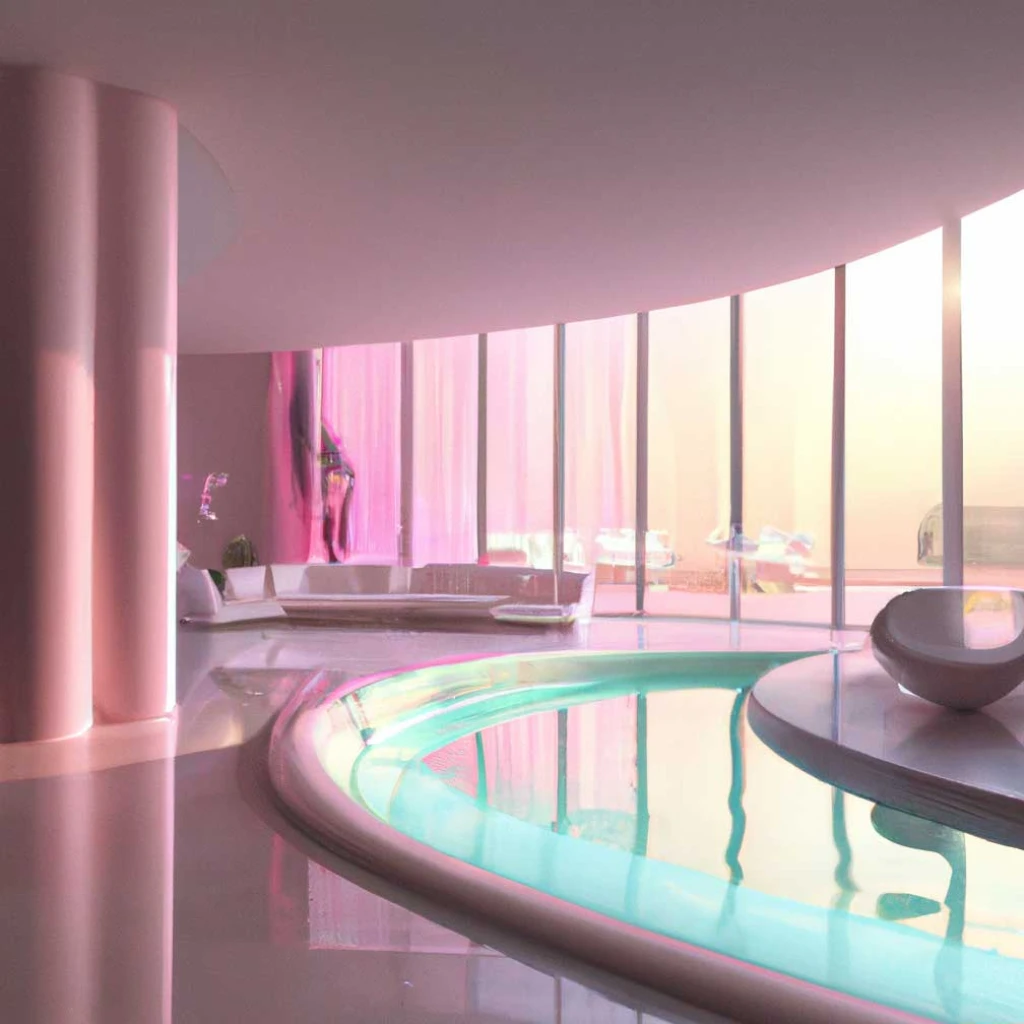
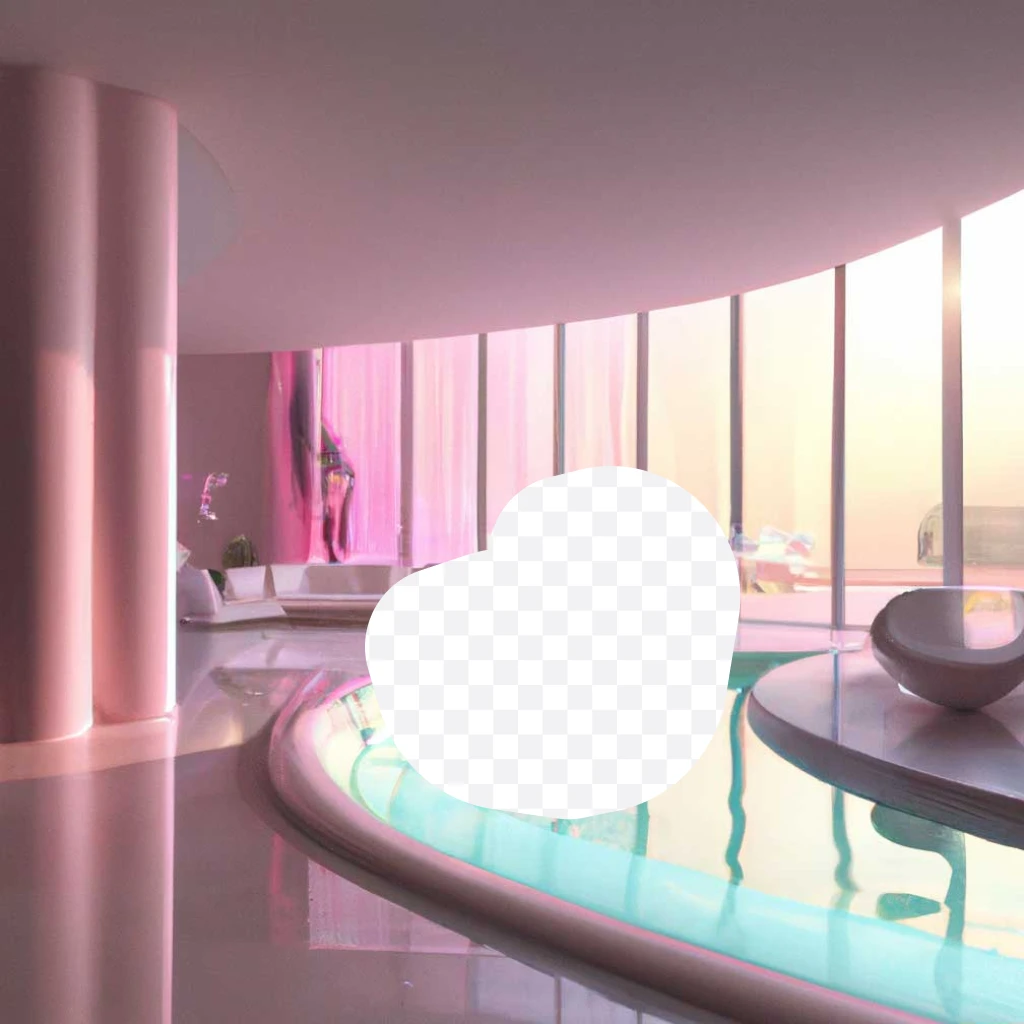
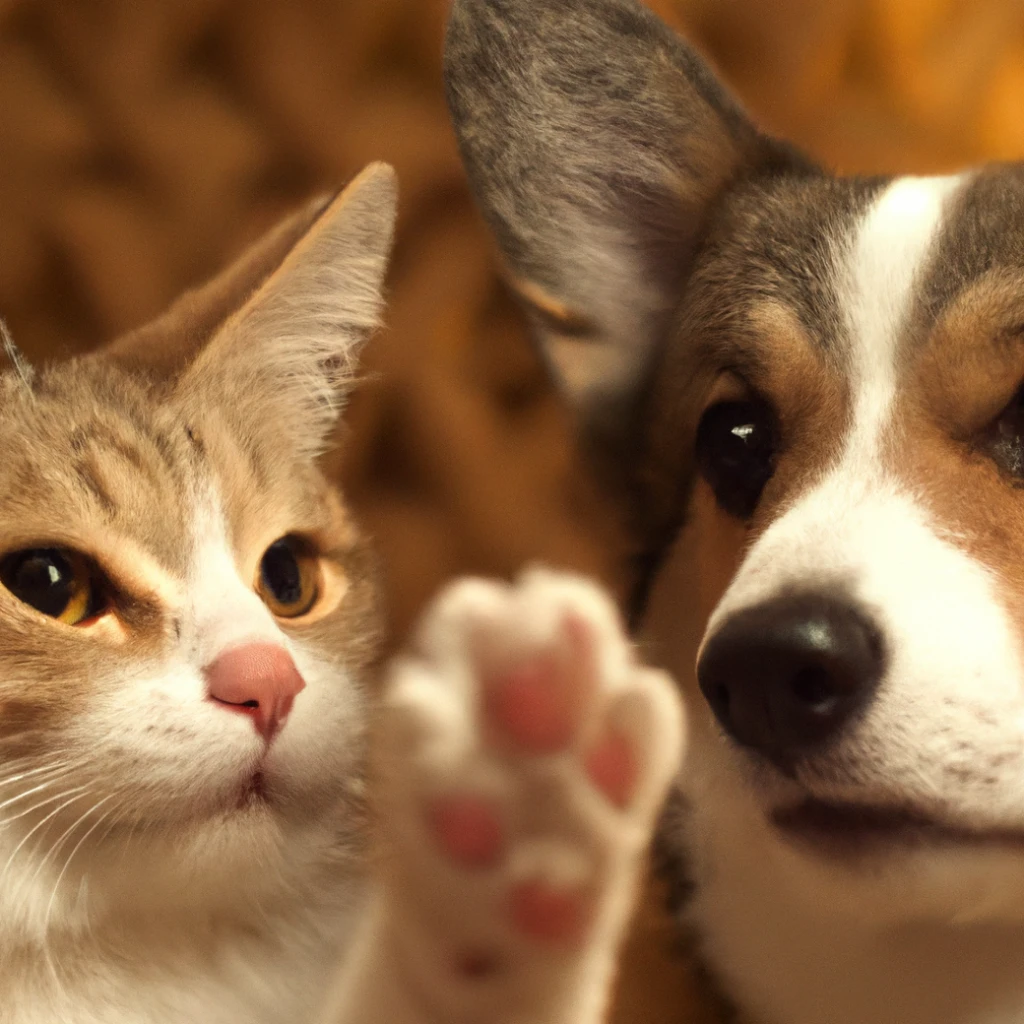
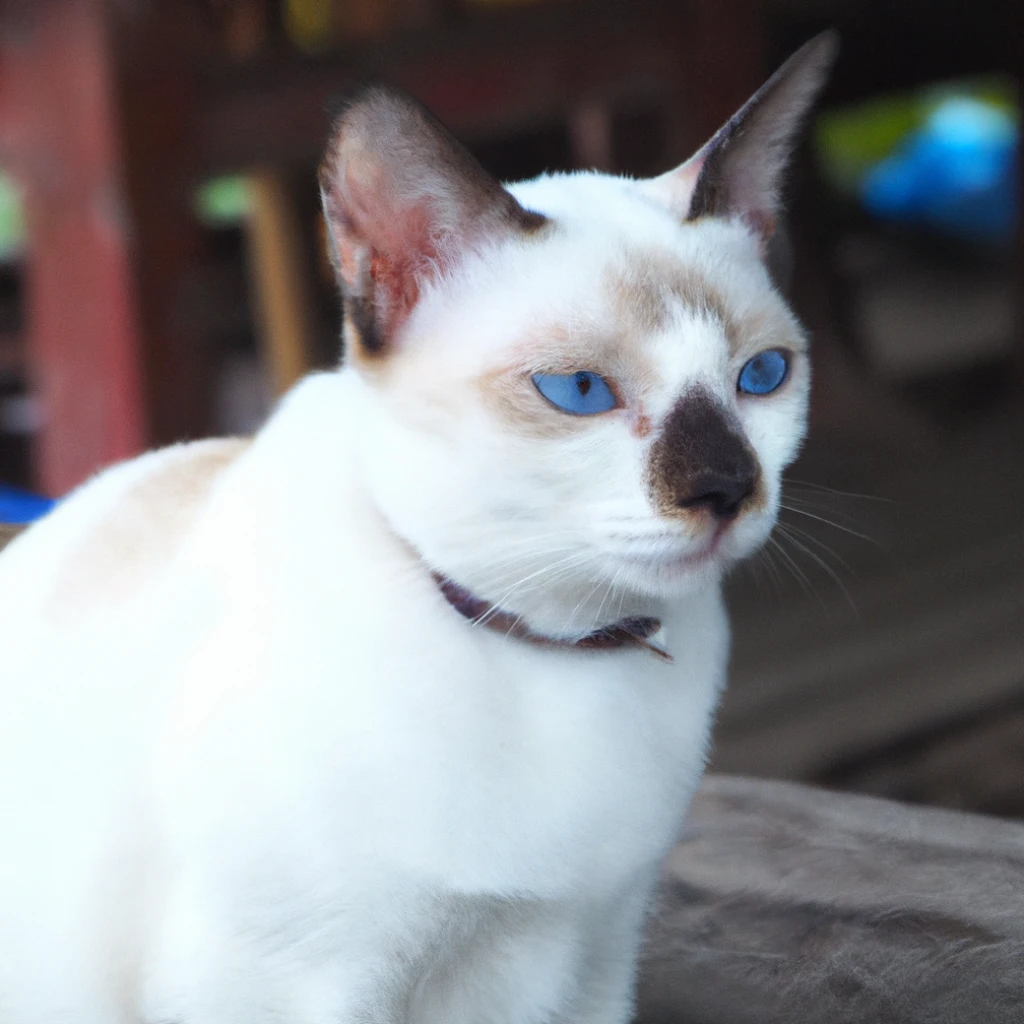
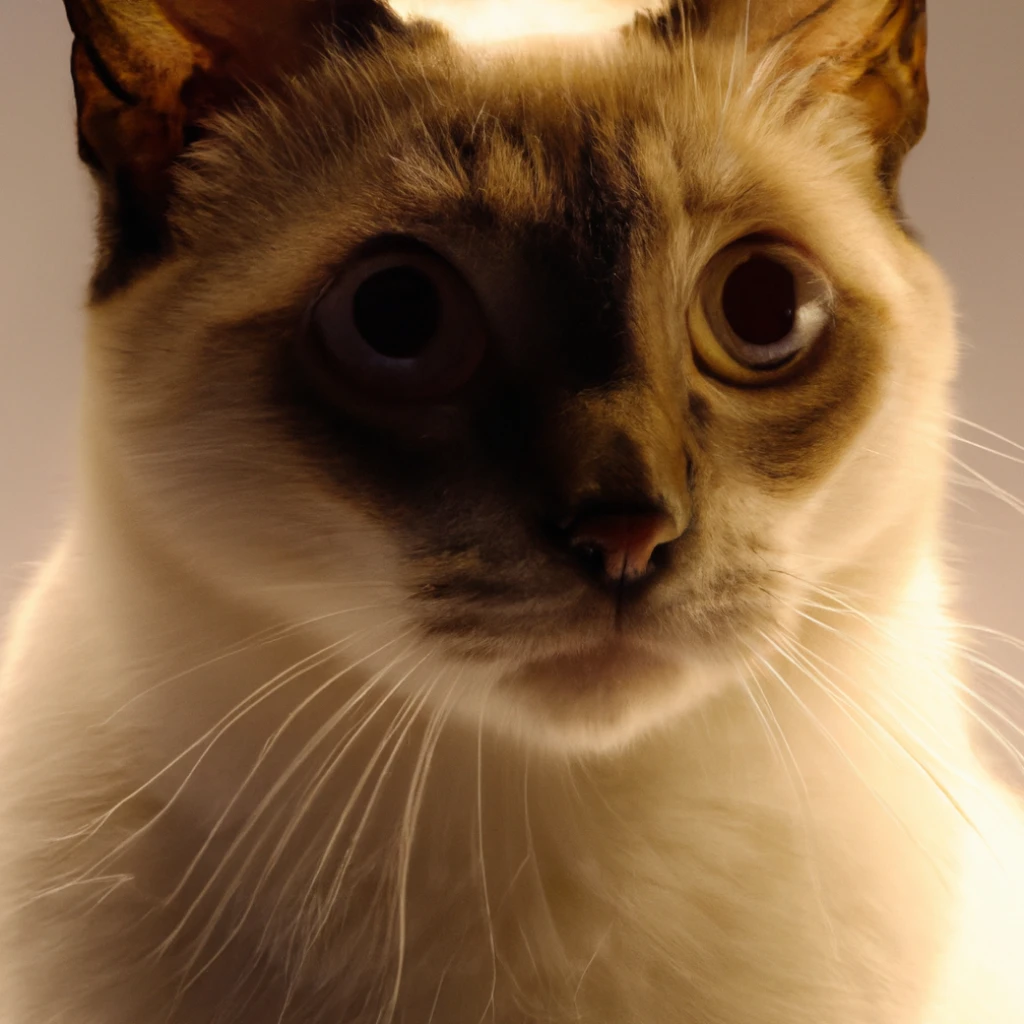
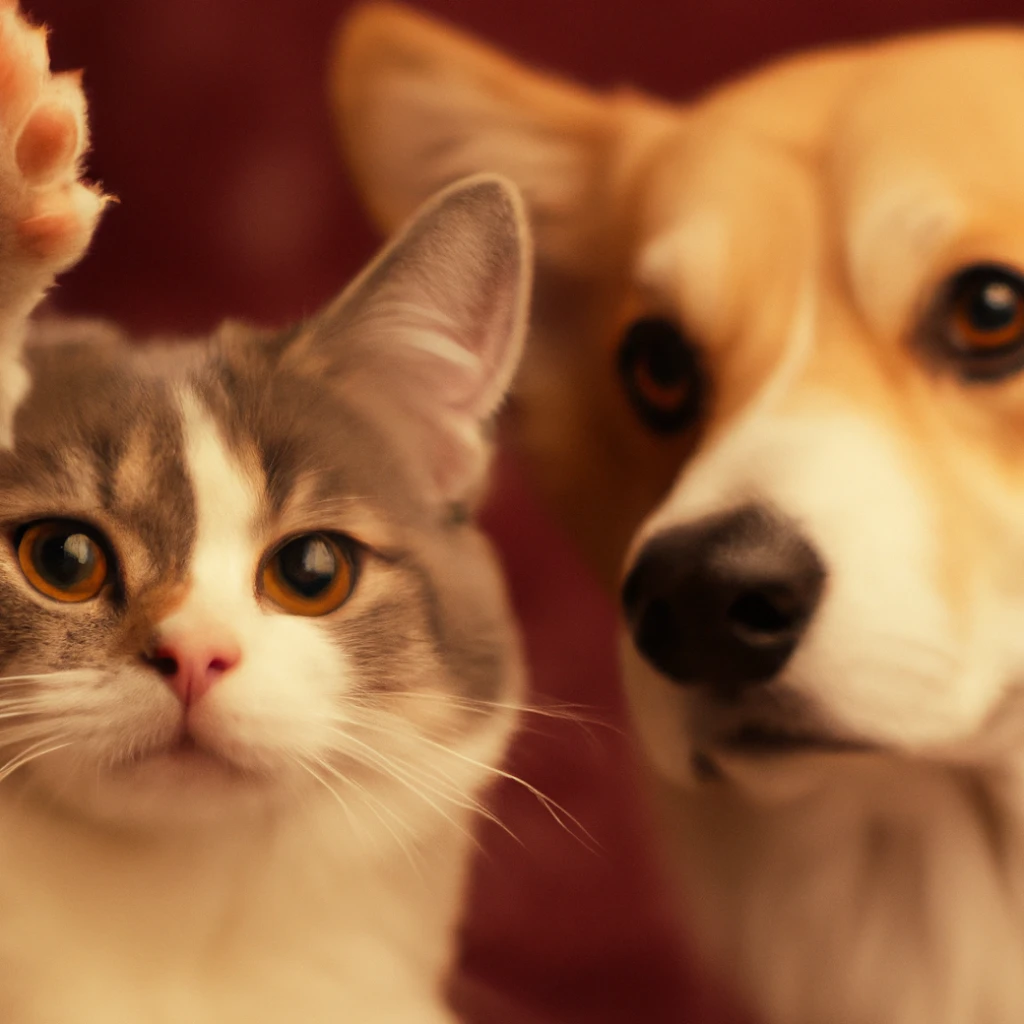
The image edits endpoint allows you to edit and extend an image by uploading a mask. The transparent
areas
of the mask indicate where the image should be edited, and the prompt should describe the full new
image,
not just the erased area.
The uploaded image and mask must both be square PNG images less than 4MB in size, and also must have
the
same dimensions as each other. The non-transparent areas of the mask are not used when generating
the
output, so they don’t necessarily need to match the original image like the example above.
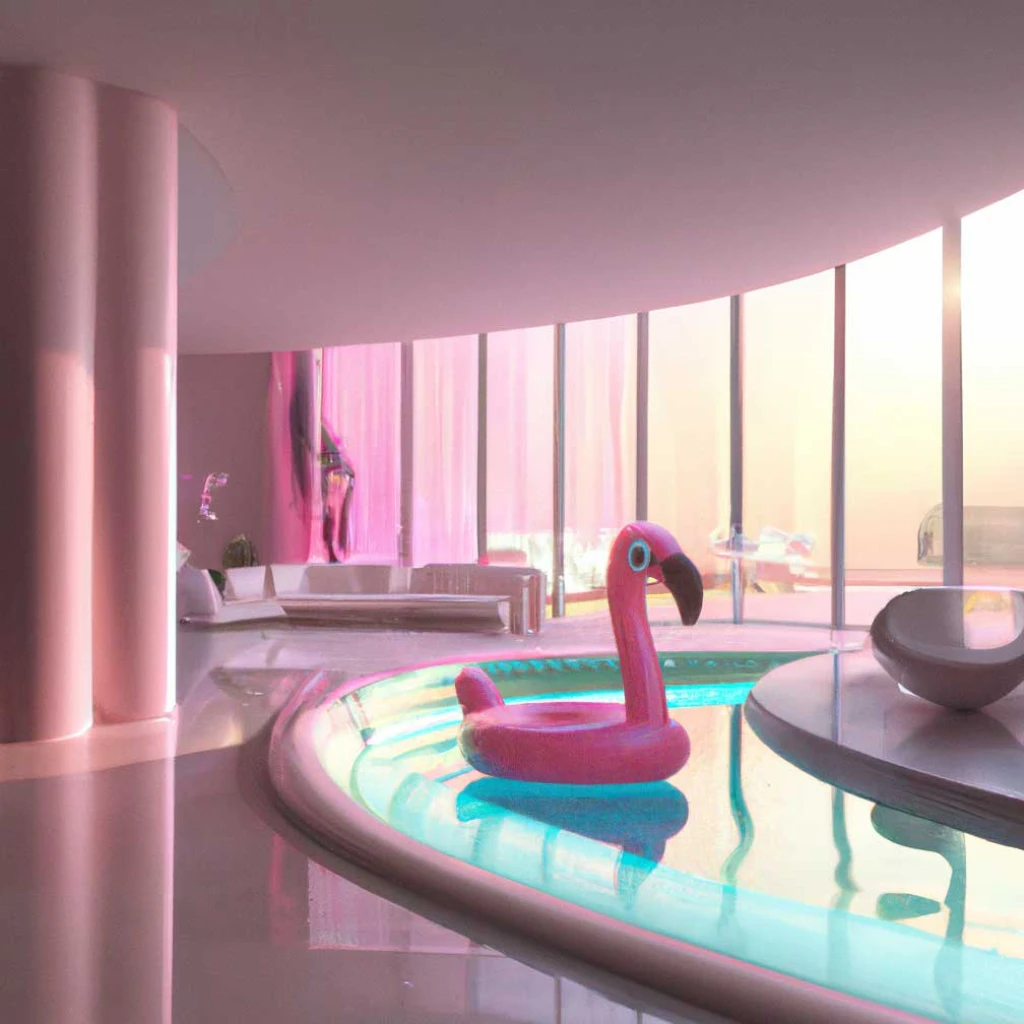
Prompt: a sunlit indoor lounge area with a pool containing a flamingo